


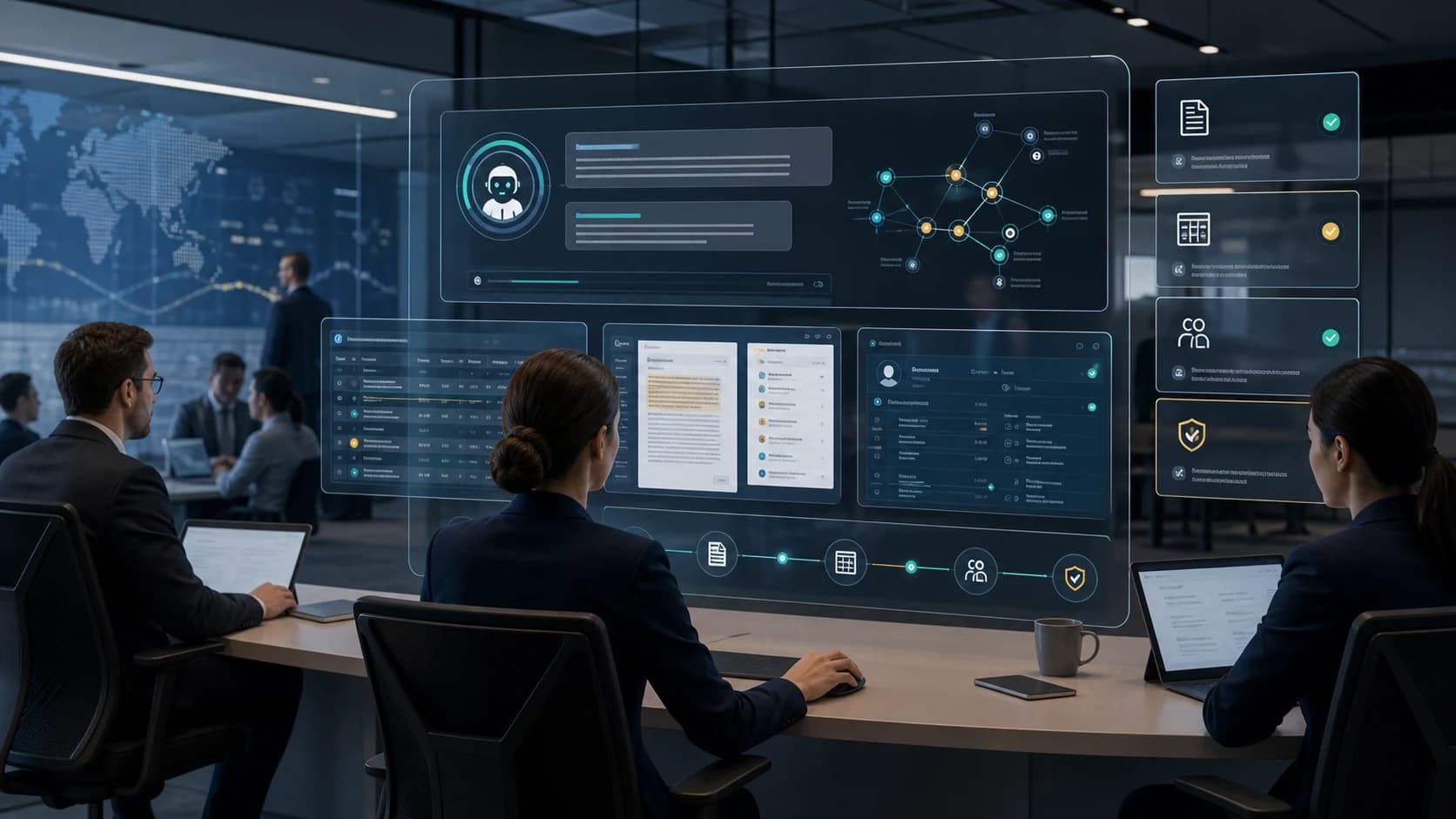
Conversational AI with citations is an enterprise assistant that answers business questions from approved ERP, CRM, document, and workflow data while showing the exact source behind the answer. OPAG uses it to make internal knowledge faster, role-aware, and audit-ready.
Key takeaways
The value is not only chat. The value is giving operators faster answers with visible source evidence, role-based access, and a traceable answer history.
The best first workflows are recurring questions where teams already lose time switching between ERP screens, CRM notes, files, dashboards, and messages.
OPAG connects conversational AI to its governed workflow automation model so answers can become reviewed actions instead of unsupported summaries.
What is conversational AI with citations?
It is a controlled AI assistant that retrieves approved business context, answers in plain language, and attaches citations to the records, documents, policies, or workflow events used to produce the answer.
Many enterprise teams already have the answer somewhere. It may be in an ERP table, CRM note, support ticket, contract, SOP, spreadsheet, warehouse record, policy, or project document. The problem is finding it quickly without losing trust.
A cited AI assistant reduces that delay. The user can ask a question, receive a concise answer, and inspect the source records behind it. If the user is not allowed to view a record, the assistant should not expose it.
For OPAG, citations are not decoration. They are part of the control layer that helps the business trust, challenge, audit, and improve AI-assisted decisions.
Who needs an enterprise knowledge assistant?
It is for teams with valuable knowledge spread across systems, documents, and departments where slow answers create operational, sales, service, compliance, or finance drag.
The strongest fit is a business where leaders, managers, analysts, sales teams, support agents, legal teams, finance users, or operators ask repeated questions that require source checking. A generic chatbot may respond quickly, but speed is not enough when the answer influences a customer, stock decision, contract, report, or approval.
OPAG typically looks for high-frequency question sets: order status, inventory position, account history, policy interpretation, case files, finance variance, supplier commitments, legal clauses, support history, or performance by region.
- Operators who need one answer from ERP, CRM, documents, and workflow records.
- Executives who want source-linked answers instead of waiting for custom reports.
- Support and sales teams that need customer context without opening five systems.
- Legal, compliance, and finance teams that need citations, access control, and review history.
How does conversational AI work across ERP, CRM, and documents?
It connects approved data sources, retrieves the right context for the user, generates a concise answer, shows citations, and logs the interaction for review and improvement.
A production assistant should not rely on pasted exports or stale snapshots when the business question depends on live context. It needs scoped connectors, retrieval rules, user permissions, answer policies, and observability around what the model used.
The workflow starts with identity. The assistant checks the user, role, team, territory, customer access, document permissions, and allowed systems. It then retrieves relevant context, summarizes the answer, links the sources, and offers next actions when the workflow allows it.
- Connect: ERP, CRM, document stores, ticketing, policies, reports, and approved knowledge bases.
- Scope: keep answers aligned to the user role, region, customer, department, and data boundary.
- Answer: produce direct responses with source references and confidence cues.
- Escalate: route uncertain, sensitive, or high-impact answers to a human owner.
- Audit: log sources, prompts, outputs, user feedback, and accepted follow-up actions.
What problem does a cited AI assistant solve?
It solves the gap between scattered enterprise knowledge and accountable decision-making by making trusted answers faster to find, easier to verify, and safer to reuse.
Without citations, AI answers can become another thing to verify manually. With citations, the assistant becomes a faster path to the system of record. Users can inspect the invoice, contract clause, SOP, customer note, order, or policy behind the response.
This changes the operating rhythm. Leaders can ask follow-up questions during meetings. Support teams can resolve cases faster. Finance can explain variances with source records. Legal and compliance teams can review AI-assisted answers before they influence external communication.
- Cuts time spent searching across tools and reports.
- Reduces unsupported answers and repeated internal escalations.
- Improves onboarding by making policies, workflows, and source records easier to navigate.
- Creates a reusable question library that shows what the business actually needs to know.
How much does conversational AI with citations cost?
Cost depends on the number of data sources, permission complexity, citation quality requirements, workflow actions, security requirements, and the amount of testing needed before launch.
A narrow assistant over one document set is simpler than a role-aware assistant connected to ERP, CRM, contracts, tickets, and approval workflows. The main cost drivers are connector work, data cleanup, access control mapping, evaluation design, and integration with daily operations.
OPAG scopes the first assistant around a keystone question set. The goal is to ship a production workflow that proves answer quality, adoption, and risk controls before expanding to more departments and actions.
How is this different from search, dashboards, and generic chatbots?
Search returns documents, dashboards return predefined metrics, and generic chatbots return text. Conversational AI with citations returns a direct answer tied to allowed enterprise sources and governed follow-up actions.
Search is useful when the user knows what to look for. Dashboards are useful when the metric and view already exist. Generic chatbots are useful for broad drafting or simple Q&A. Enterprise knowledge work usually needs something else: an answer that combines sources and proves where it came from.
A cited assistant can sit between knowledge access and workflow automation. It answers the question, shows the source, asks whether the user wants to create a ticket, draft a reply, prepare an approval, or escalate the exception, and keeps the action history visible.
- Use search when users need to browse source material themselves.
- Use dashboards when fixed metrics are enough.
- Use generic chat when no sensitive business context is involved.
- Use governed conversational AI when answers require permissions, citations, and workflow context.
Why choose OPAG for conversational AI with citations?
OPAG builds conversational AI as governed production infrastructure: role-aware retrieval, source-linked answers, review queues, audit trails, and a path from trusted answers to controlled actions.
OPAG is not trying to add a chatbot skin to enterprise data. The delivery pattern starts with question discovery, source mapping, data boundaries, evaluation cases, access rules, and operator workflows. That is what lets the assistant survive security review and daily use.
Once the assistant earns trust, OPAG can extend it into predictive, generative, and agentic workflows: forecast an exception, draft a response, route approval, update a record, or monitor the outcome with the same governance pattern.
Frequently asked questions
Can conversational AI answer questions from ERP and CRM data?+
Yes, if the systems are connected through scoped, permission-aware workflows. OPAG designs assistants so users only receive answers from records they are allowed to access.
How do citations work in enterprise AI answers?+
The assistant retrieves source records or documents, uses them to form the answer, and exposes references back to the underlying invoice, order, account, ticket, contract clause, policy, or document used.
Does conversational AI replace dashboards?+
No. It complements dashboards by answering follow-up questions, explaining source context, and helping users move from static reporting into governed action.
What should OPAG evaluate before building a knowledge assistant?+
OPAG should evaluate the question set, data sources, permissions, answer risk, citation quality, user roles, escalation paths, and measurable business outcome before build scope is finalized.
What would this workflow look like in your business?
Talk with OPAG about the systems, agent steps and human decisions around it.
Discuss the workflow